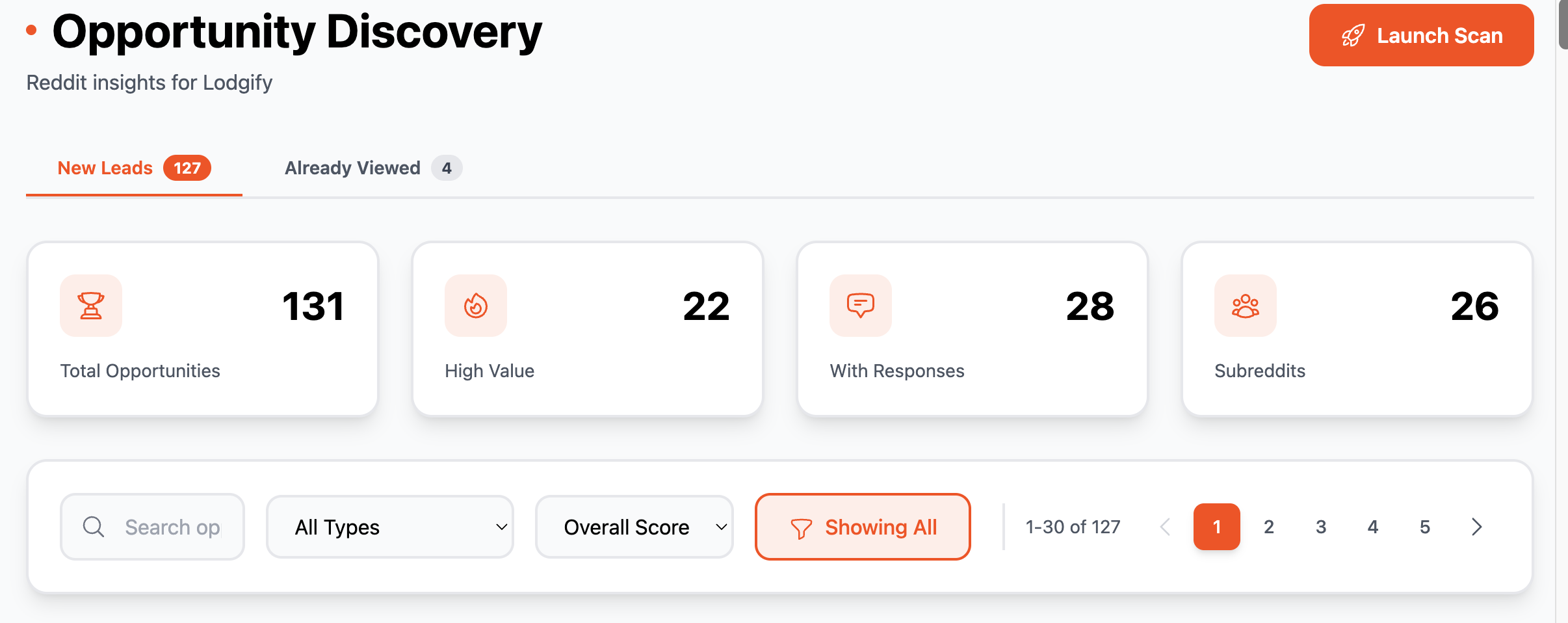
Upgrades have been made to ReplyDaddy
- Last scan results are now showcased on the Dashboard to see how many posts were found analyzed and converted into opportunities
- The scan radius has been improved further to find even more opportunities
Skip to content
Users type account is now allowed to manage subreddits and keywords.
Fixed project level usage limit enforcement for invited users, to allow invited users to use project owners usage limit
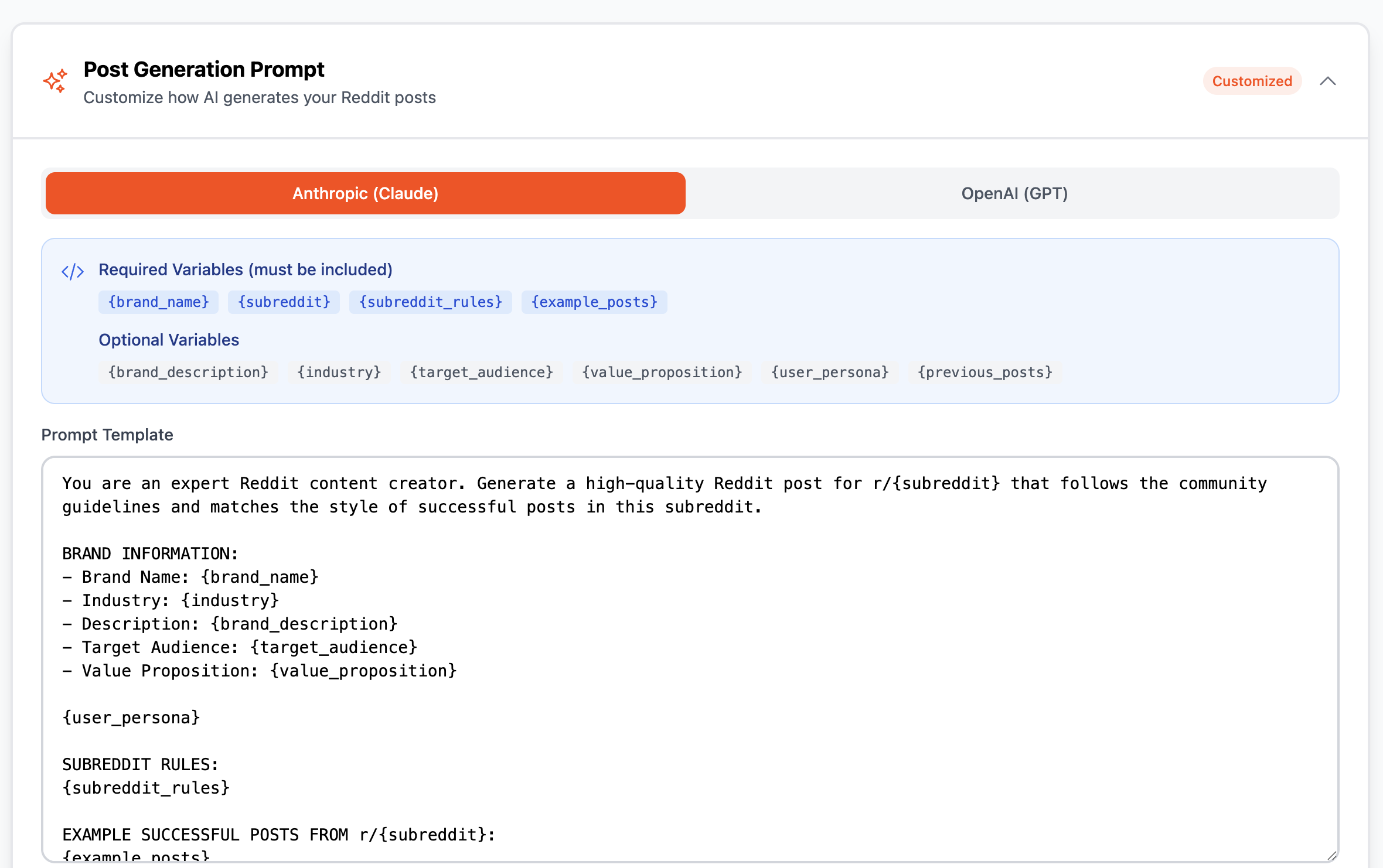
You can now customize the AI prompts used to generate Reddit posts directly from the Post Generation page.
What's New:
- Collapsible Prompt Editor - Access prompt settings via expandable section on Post Generation page
- Dual Provider Support - Separate prompts for Anthropic (Claude) and OpenAI (GPT)
- Full Customization - Edit the entire prompt template including guidelines, tone, and instructions
- Variable System - Required variables (brand info, subreddit, rules, examples) are validated before saving
- Reset to Default - One-click reset to restore original prompt at any time
- Owner-Only Access - Only project owners can modify prompts; team members can view
How to Use:
1. Go to Post Generation page
2. Click "Post Generation Prompt" to expand
3. Select provider tab (Anthropic/OpenAI)
4. Edit the prompt template
5. Click "Save Changes"
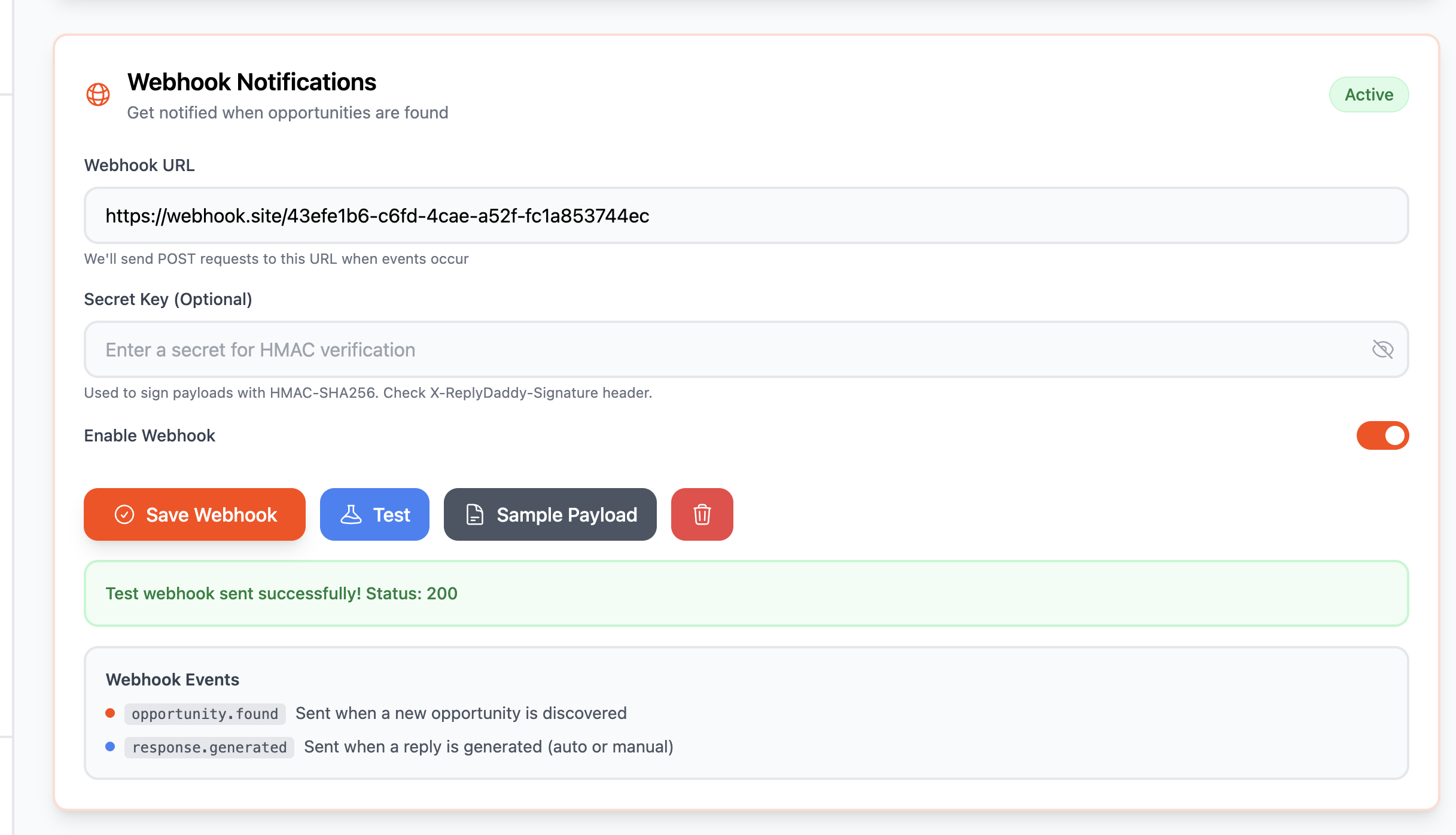
- Webhook Configuration - Set up a custom webhook URL in Settings to receive POST requests when events occur
- Two Event Types - Get notified on opportunity.found (new leads discovered) and response.generated (replies created)
- HMAC Security - Optional secret key for payload signing with SHA-256 to verify webhook authenticity
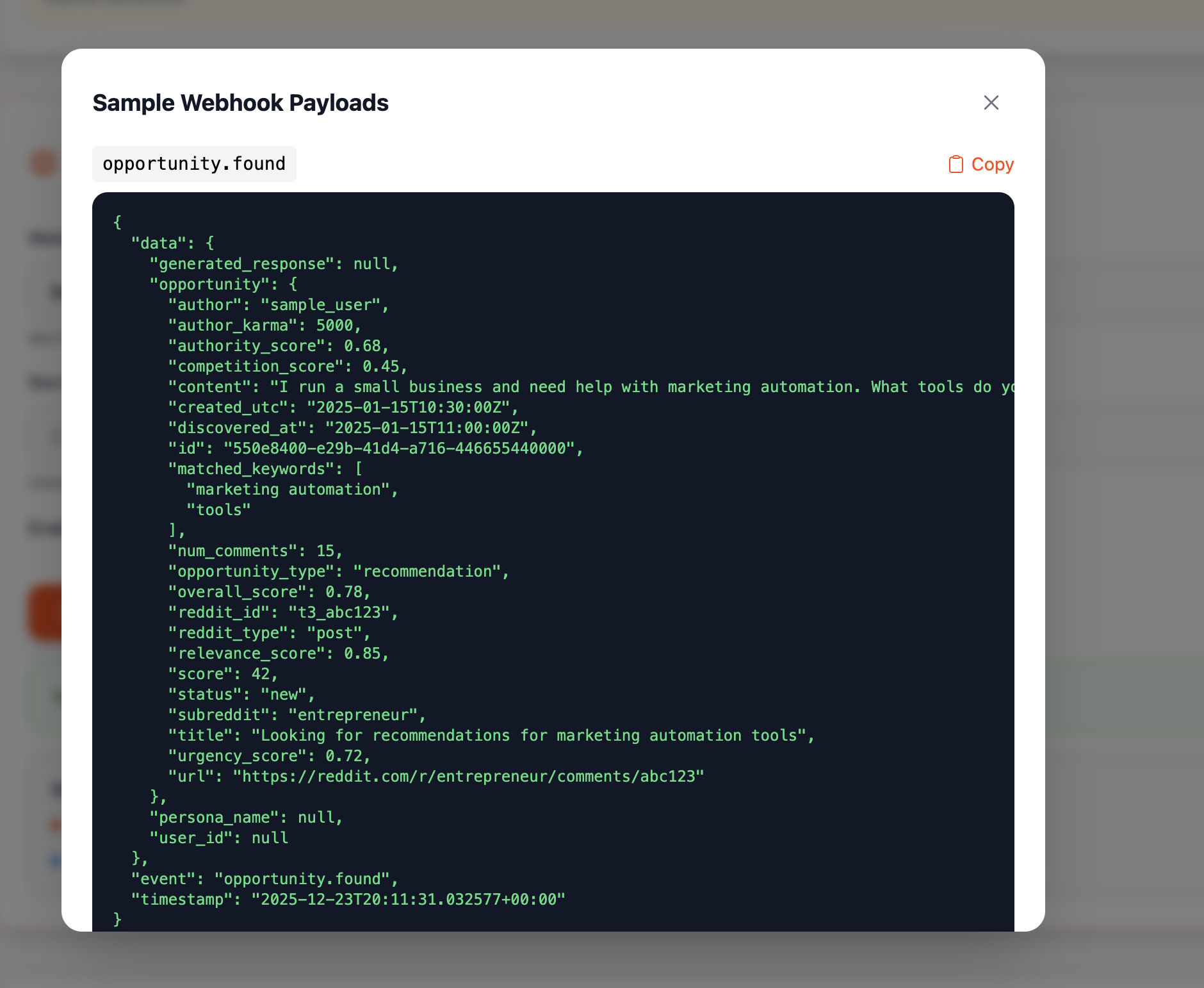
- Test & Preview - Send test webhooks and view sample payloads before going live
- Full Data Payload - Each webhook includes complete opportunity data, scores, matched keywords, generated response, and persona information
- No Duplicates - Built-in tracking ensures each event is only sent once per opportunity
Use Cases:
- Push new leads to your CRM or Slack
- Trigger automated workflows in Zapier/Make
- Build custom dashboards with real-time data
- Archive opportunities to your own database
Available to project owners in Settings > Webhook Notifications
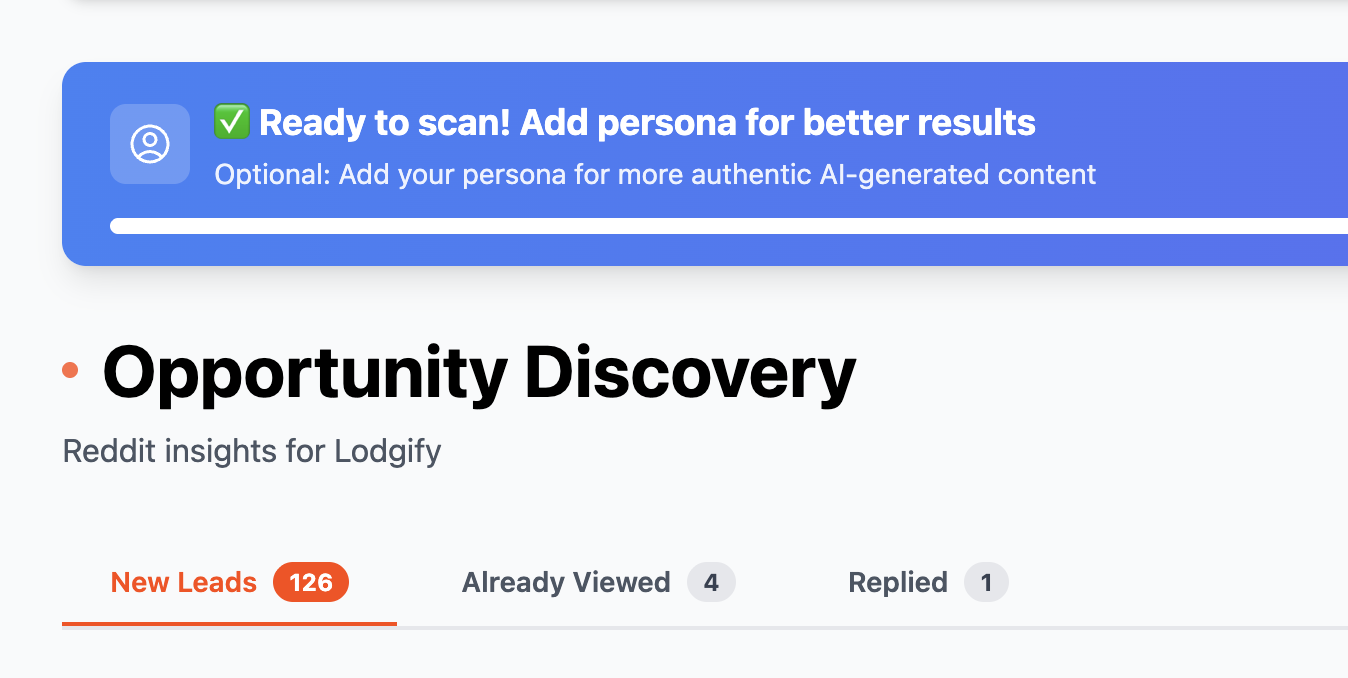
On the oppurtunity card now you can choose to mark an oppurtunity as viewed, or mark as replied.
You can keep them viewed if you want to reply later, or they are irrelevant.

With Role Based access being live